Skip to content
V2A new network. A new experience.
CUBIXSERV / VPS

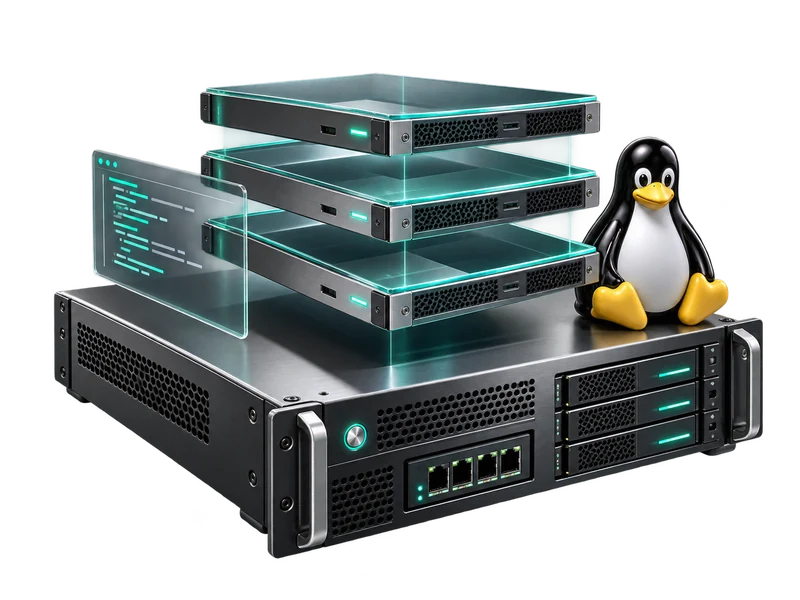
Rent high-performance and secure KVM VPS

An isolated environment, configured your way.

Processor
Xeon
OS
Linux & Windows
Storage
SSD
Connection
1 Gbps
Hosting since 2019
DDoS protection included
Choose your preferred operating systemLinux & Windows
See offers
Technician configuring a server

Why choose KVM hosting?

VPS is a real Swiss army knife of hosting, whether it's hosting a website, application, database, game server, anything is possible. So why choose KVM over a classic VPS?

The KVM technology has many advantages:

  • The resources allocated to your virtual machine are isolated and dedicated.
  • Thanks to hardware virtualization, you can install any operating system.
  • KVM performance is significantly better than traditional VPS.

KVM is therefore the solution that is recommended for demanding projects.

Quality VPS KVM hosting at an affordable price

Choose your preferred operating system

Linux

Processor Processor cores RAM Storage Connection Price
Xeon (3.5Ghz+) 1 vCpu 2 GB 20 GB SSD 1 Gbps

3.99 €/month 3.79 €/month 3.59 €/month 3.19 €/month Promo 5% Promo 10% Promo 20%

Order
Xeon (3.5Ghz+) 2 vCpu 4 GB 40 GB SSD 1 Gbps

5.99 €/month 5.69 €/month 5.39 €/month 4.79 €/month Promo 5% Promo 10% Promo 20%

Order
Xeon (3.5Ghz+) 2 vCpu 8 GB 60 GB SSD 1 Gbps

9.99 €/month 9.49 €/month 8.99 €/month 7.99 €/month Promo 5% Promo 10% Promo 20%

Order
Xeon (3.5Ghz+) 4 vCpu 16 GB 80 GB SSD 1 Gbps

14.99 €/month 3.79 €/month 13.49 €/month 11.99 €/month Promo 5% Promo 10% Promo 20%

Order
Xeon (3.5Ghz+) 6 vCpu 32 GB 130 GB SSD 1 Gbps

24.99 €/month 23.74 €/month 22.49 €/month 19.99 €/month Promo 5% Promo 10% Promo 20%

Order
Xeon (3.5Ghz+) 8 vCpu 64 GB 200 GB SSD 1 Gbps

43.99 €/month 41.79 €/month 39.59 €/month 35.19 €/month Promo 5% Promo 10% Promo 20%

Order
  • amex
  • visa
  • mastercard
  • paypal
  • bitcoin

Powerful infrastructure at your disposal

Enjoy the power of our VPS KVM infrastructure and its features to enhance your hosting experience.

Choice of OS

You can install any operating system thanks to the hardware emulation of the hypervisor.

Dedicated resources

KVM isolates the resources of your VPS which are then dedicated.

Customization

You can do whatever you want with your server, even host VPSs on it.

Performance

KVM is the perfect choice for large-scale or resource-intensive projects.

Flexibility

Virtualization technology combined with our network allows you to evolve your offer according to your needs.

Network

Network connection: 1 Gbps.

Protection

Traffic is filtered upstream to help reduce the impact of DDoS attacks on the availability of your services.

Ease of administration

You can administer and monitor your server from your client area.

Need help?

Whether you're a professional looking for a hosting solution for a revolutionary product or a tech-savvy individual, our technical experts will answer your questions and accompany you in the realization of your project.

FAQ

Questions fréquentes

Have a question? Let’s talk.

What is a KVM VPS?

A KVM (Kernel-based Virtual Machine) VPS is an isolated virtual machine that allows you to run a complete operating system with its own hardware resources, as if it were a dedicated physical server. This means that each KVM VPS has its own kernel, RAM, disk space, bandwidth, and operating system.

What are the benefits of a KVM VPS?

The benefits of a KVM VPS include flexibility, security, stability, customization, and performance. Since each KVM VPS is isolated from others, it offers increased security compared to shared hosting, and it is more flexible and customizable than cloud hosting. Performance is also superior to that of shared or cloud hosting, as each KVM VPS has dedicated resources.

What is the delivery time for my KVM VPS after ordering?

After payment, you will receive a confirmation email containing all the necessary details to access your KVM VPS. You can start using your VPS immediately, as delivery is instant for our offers.

How do I access my KVM VPS?

You can access your VPS KVM via an SSH or RDP connection, depending on the operating system you are using.

What operating system can I use on my VPS KVM?

You can use the following operating systems on your VPS KVM:

  • Debian 8/9/10
  • Ubuntu 18.04/19.04/20.04
  • CentOS 7/8
  • Mikrotik CHR
  • PfSense
  • Windows Server 2012/2019/2020

Can I install my own applications on my VPS KVM?

Yes, you can install your own applications on your VPS KVM, as long as they are compatible with the operating system you are using.

Can I upgrade my RAM, disk space, or bandwidth if I need to?

You can easily upgrade the RAM, disk space, and bandwidth of your VPS KVM at any time based on your needs using our VPS management platform. You can change your plan from your client area to choose the offer that best suits your needs in just a few clicks. If you need assistance with an upgrade, our customer support team is always available to help.

How can I back up my data on my VPS KVM?

You can back up your data on your VPS KVM using backup tools integrated into the operating system or using third-party backup services.

How can I reboot or reset my VPS KVM?

You can restart or reset your VPS KVM via the management interface provided by your service provider. In addition, our VPS management platform also allows you to reinstall your VPS in one click from your client area, which can be useful if you need to start from scratch or if you encounter problems with your operating system. If you need help reinstalling your VPS, our customer support team is always available to assist you.

Can I install programs with Docker on my VPS KVM?

Yes, you can install programs with Docker on your VPS KVM, provided that Docker is supported by the operating system you are using.

CUBIXSERV / Client area

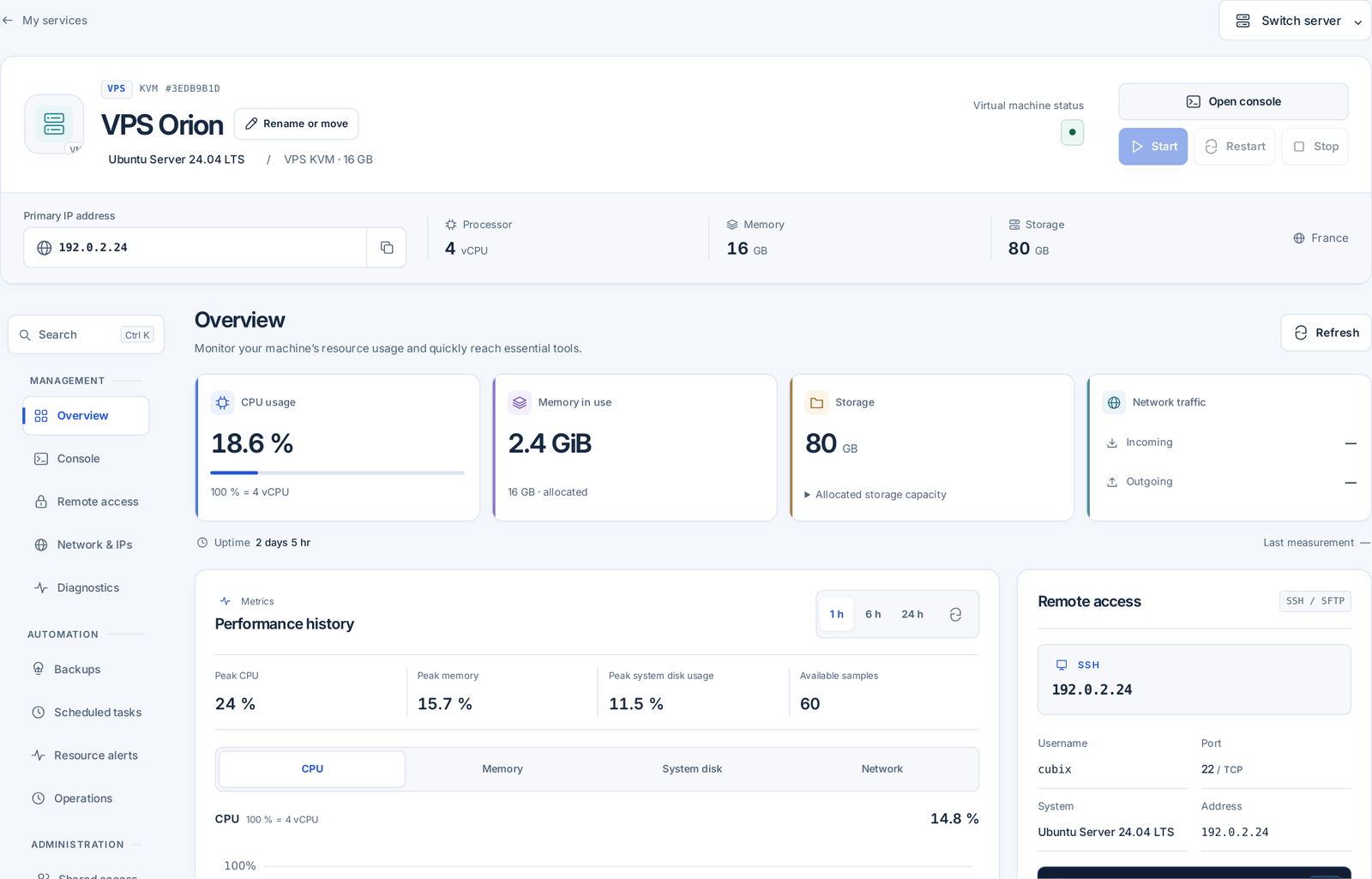
Your server, under your control.

Access your servers, resource usage, backups and support from one CubixServ client area.

  • Metrics
  • Network
  • Console
  • Support & Guides & tutorials
Explore the client area
cubixserv.com/clientInterface preview
CUBIXSERVVPS KVM

Performance history

CPU and memory show the share of allocated resources. Network rates are calculated between samples. Collection gaps remain visible.

Network

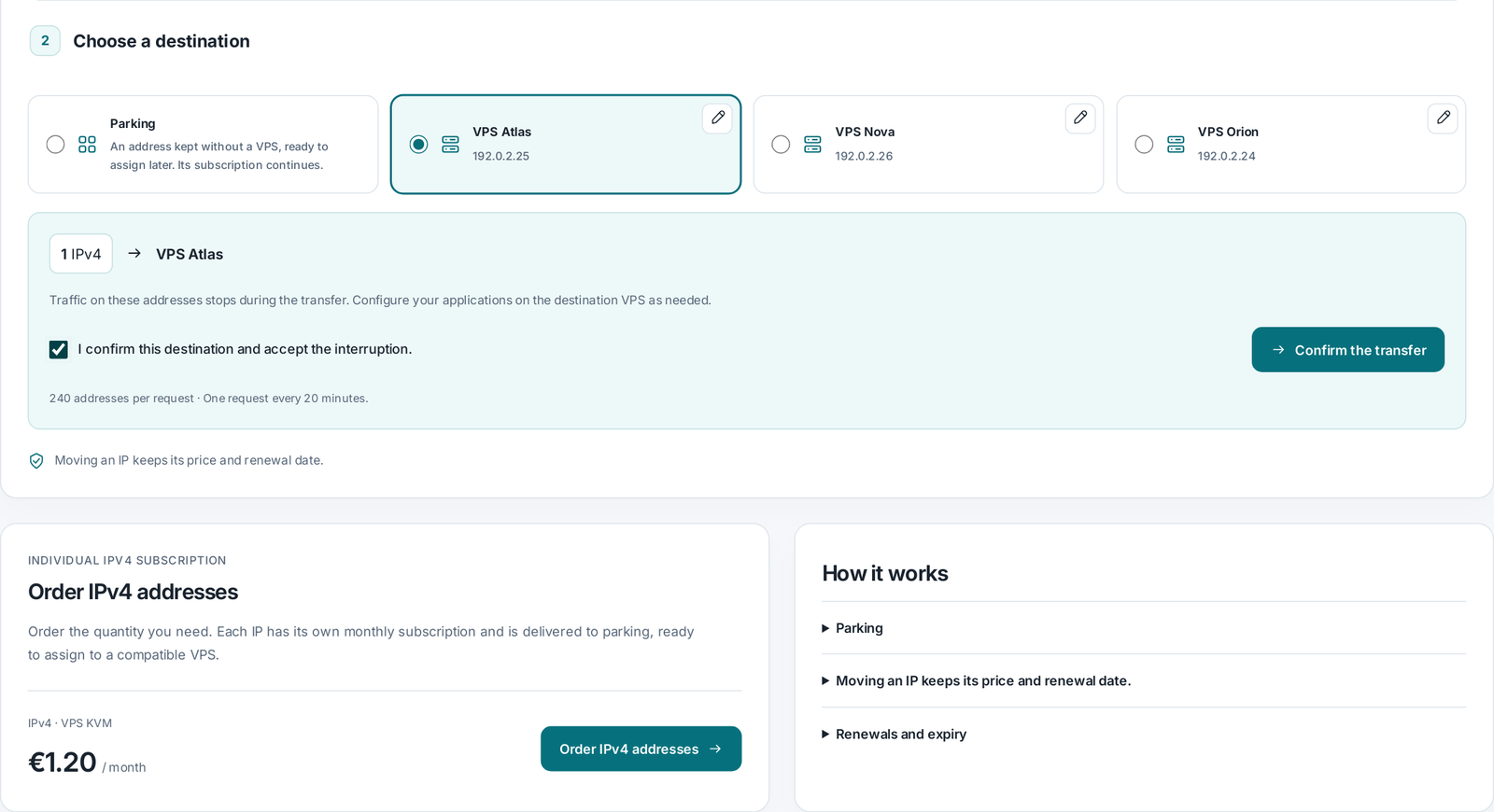
IPv4 / IPv6IP_ADDRESS
SSHssh cubix@IP_ADDRESS

Connection details

Console

cubixserv / VPS KVM
$ ssh cubix@IP_ADDRESS
›

Connect from your terminal with your chosen SSH key or initial credentials. The console is also available from the panel.

Illustration only. No live server data.