Skip to content
DDoS protection · Peeryx · 15 Tbps+
GAME SERVER HOSTING / CUBIXSERV

Frozen Flame server hosting

A Frozen Flame project for cooperative exploration and survival. The offer is being prepared; resources and pricing will be confirmed after delivery validation.

Configuration and price to be confirmed
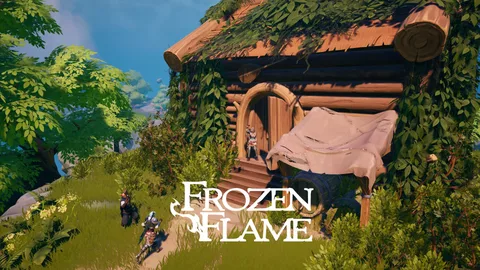
Frozen FlameGame setting · illustration
Game server

Plans and prices

Compare resources and the amount actually billed for your chosen term.

Need help choosing?
15 Tbps+Peeryx upstream capacity
DDoS protection included · Peeryx

Your projects, protected at the network.

Peeryx filters attacks upstream of your servers to help preserve legitimate connections.

Explore the protection
Understand network capacity

15 Tbps+ refers to the upstream capacity available through the Peeryx network. Your server resources and bandwidth remain those of your plan.

Peeryx

Let’s discuss your configuration.

This range does not yet have a published offer in the new client area. Our team can review your resources and connection before confirming a price.

Tell us about your project
Frozen Flame

A server suited to the way you play.

Shared vCPUs · RAM and storage limited by the offer

01

What changes resource usage.

World progression and building affect usage. The installation template provides a technical baseline to verify with a real test before opening sales.

02

Versions, extensions and compatibility.

Align game and server versions. Check the publisher’s available settings; extensions and advanced options are not advertised as automatically compatible.

Installation template baseline

These thresholds come from the template prepared by CubixServ. They do not guarantee a player count or modded-server performance. Allow headroom and measure your actual workload.

Catalogue platform
CPU model to be confirmed
CUBIXSERV / PANEL

A workspace to manage your server.

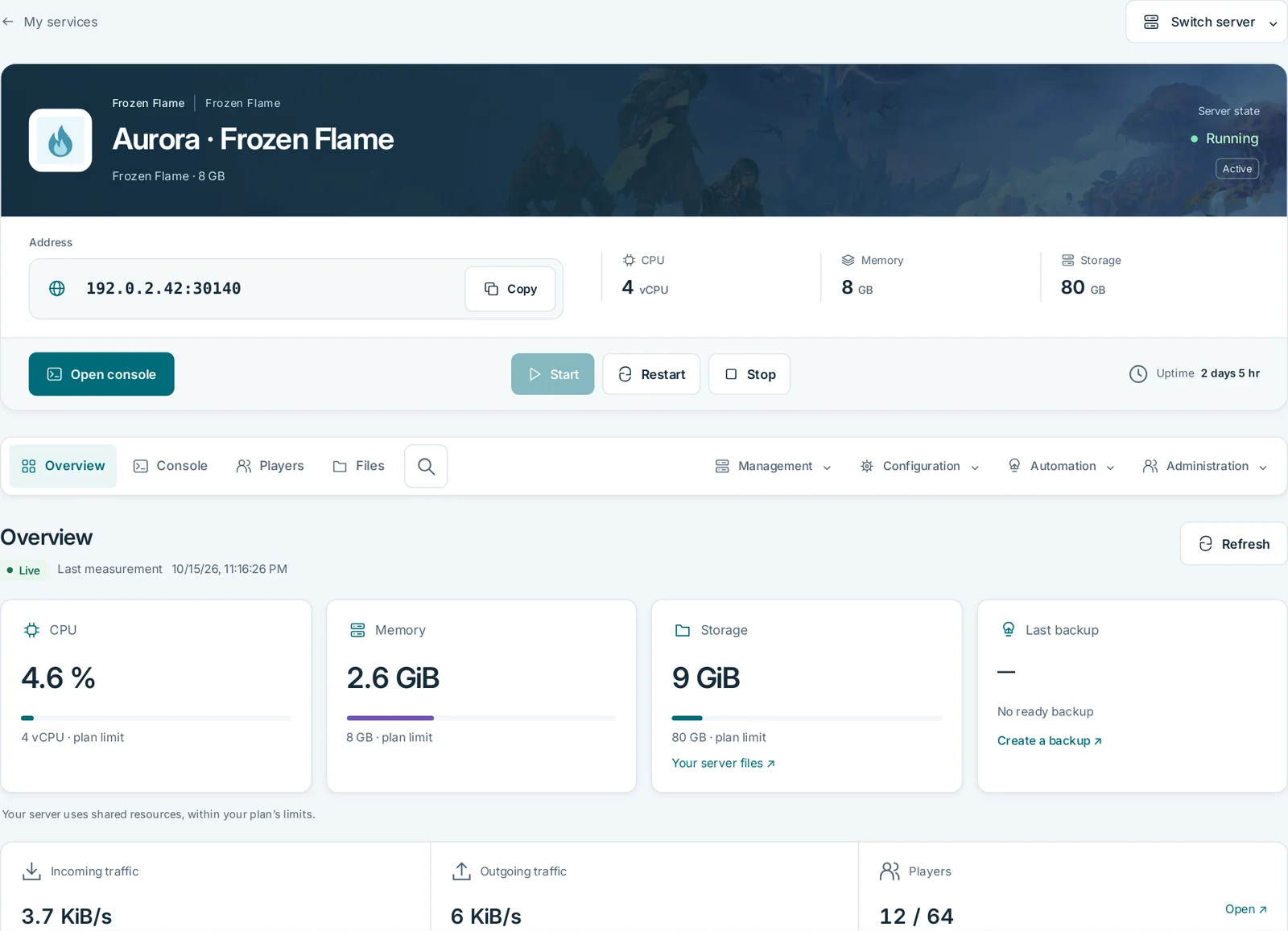
Monitor resources and logs, manage files, backups and scheduled tasks. Game-specific tools depend on the game and installed template. Reading logs does not mean every game accepts console commands.

03

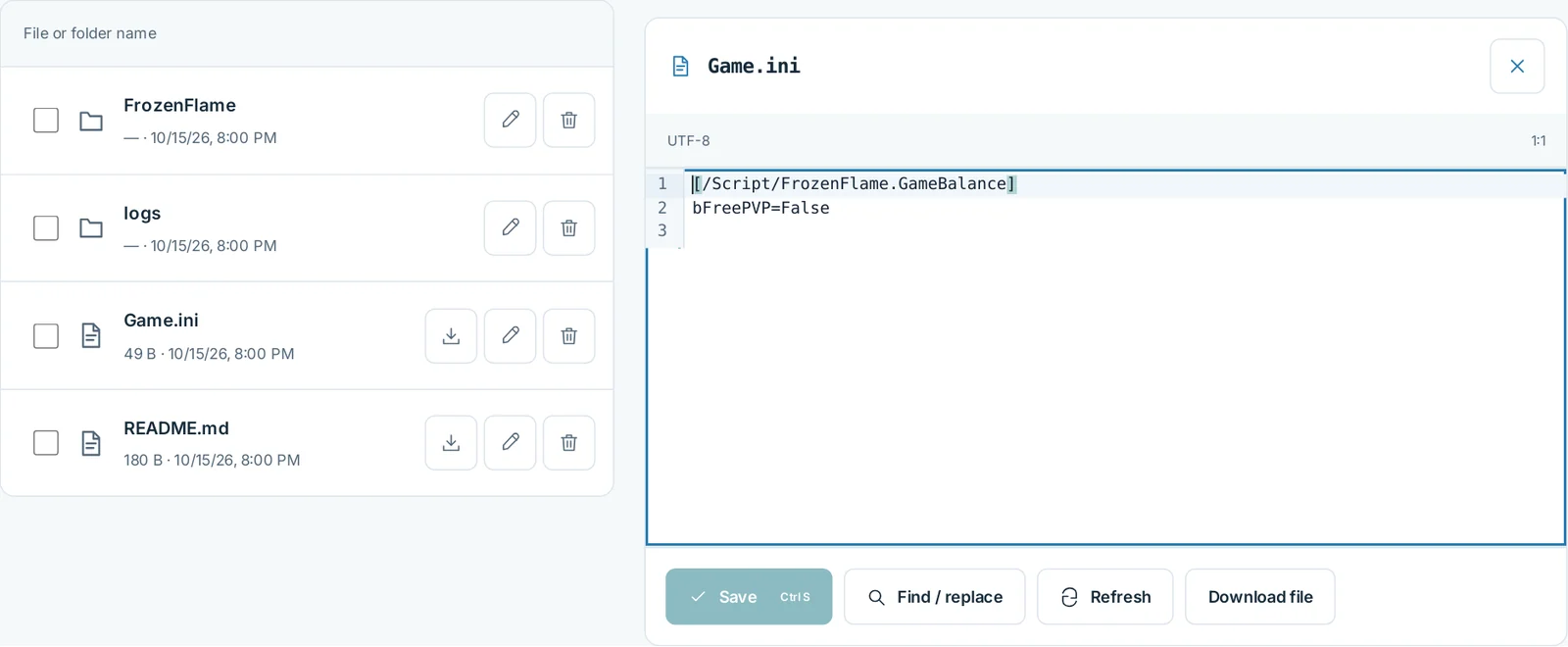
Your files, with controlled changes.

Stop the server before changing its configuration or replacing a save. Keep a complete copy and check game-specific paths. Ports are allocated by the panel; keep those listed in your service.

04

Plan backups and resource changes

Preserve the world and configuration before updating. Restoration must be validated with the chosen version before offering the service to your group.

05

Network and protection, with a clear scope.

Peeryx supplies upstream transit and Anti-DDoS filtering. Covered protocols and offer terms must be confirmed. Network filtering complements game updates and access controls; its aggregate capacity is not your server bandwidth.

Understand the network and protection
Frozen Flame

Frequently asked questions

Official documentationFrozen FlameVPS Gaming
Why can’t RAM alone predict performance?

World progression and building affect usage. The installation template provides a technical baseline to verify with a real test before opening sales.

There is no reliable count derived from RAM alone. Software, extensions, databases and CPU load also matter. Follow application requirements and monitor actual load; this comparison does not guarantee a player count.

What should I check before updating or adding mods?

Align game and server versions. Check the publisher’s available settings; extensions and advanced options are not advertised as automatically compatible.

Preserve the world and configuration before updating. Restoration must be validated with the chosen version before offering the service to your group.

VPS or game server hosting?

A VPS gives you a complete system to administer: software installation, updates, firewall and backups. Game hosting supplies game-specific tools in its panel. Choose according to the control and administration work you want.

When is a free 24-hour trial available?

Trials appear only for eligible offers with validated delivery. The 24 hours begin once the service is delivered, with one trial per account. Converting to a subscription requires confirmation; no paid subscription starts automatically.

CUBIXSERV / Client area

Your server, under your control.

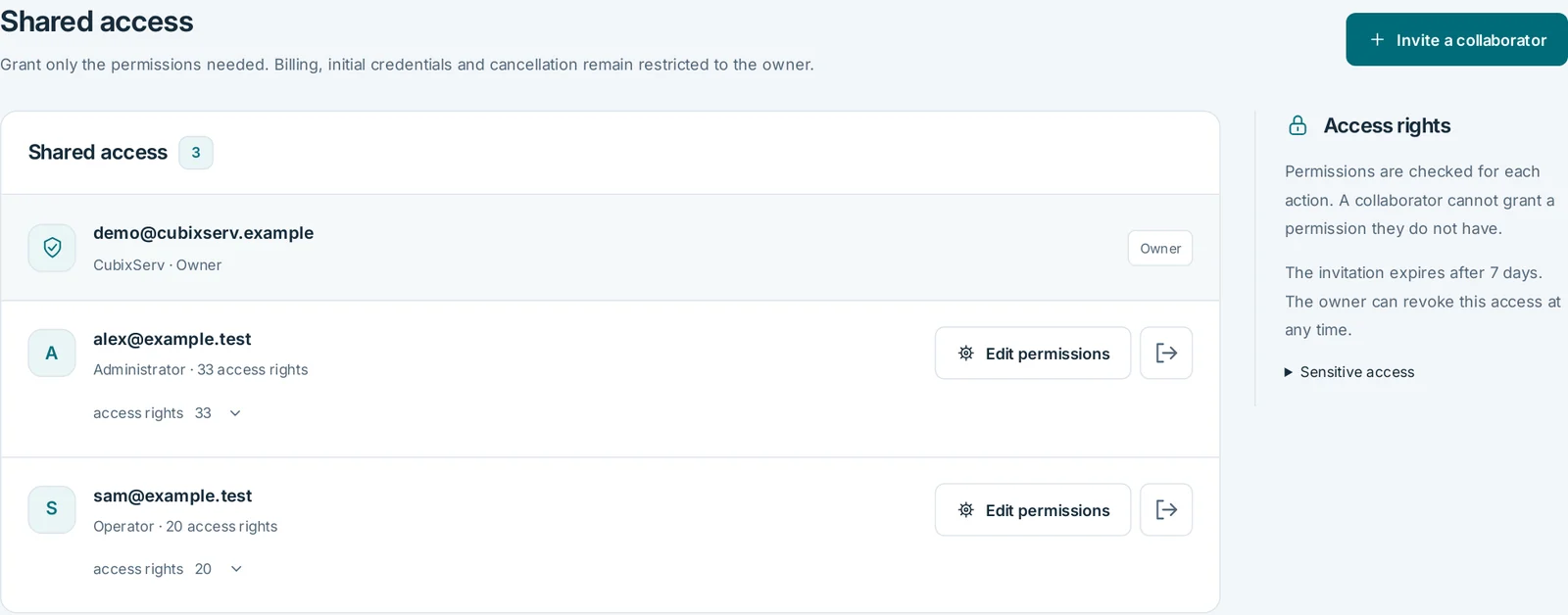
Access your servers, resource usage, backups and support from one CubixServ client area.

  • Console
  • Files
  • Backups
  • Support & Guides & tutorials
Explore the client area
cubixserv.com/clientInterface preview
CUBIXSERVFrozen Flame

Console

cubixserv / Frozen Flame
[config] server.log
[console]
[console]
›

Your server files

/
config/
server.log

Browse and organise your files. The editor supports UTF-8 text files up to 1 MB.

Backups

Create a backup before important changes and check that it has completed.

Illustration only. No live server data.